
Docling
Open-source Python software that converts PDFs, DOCX, PPTX, and images into structured data for GenAI and RAG pipelines.
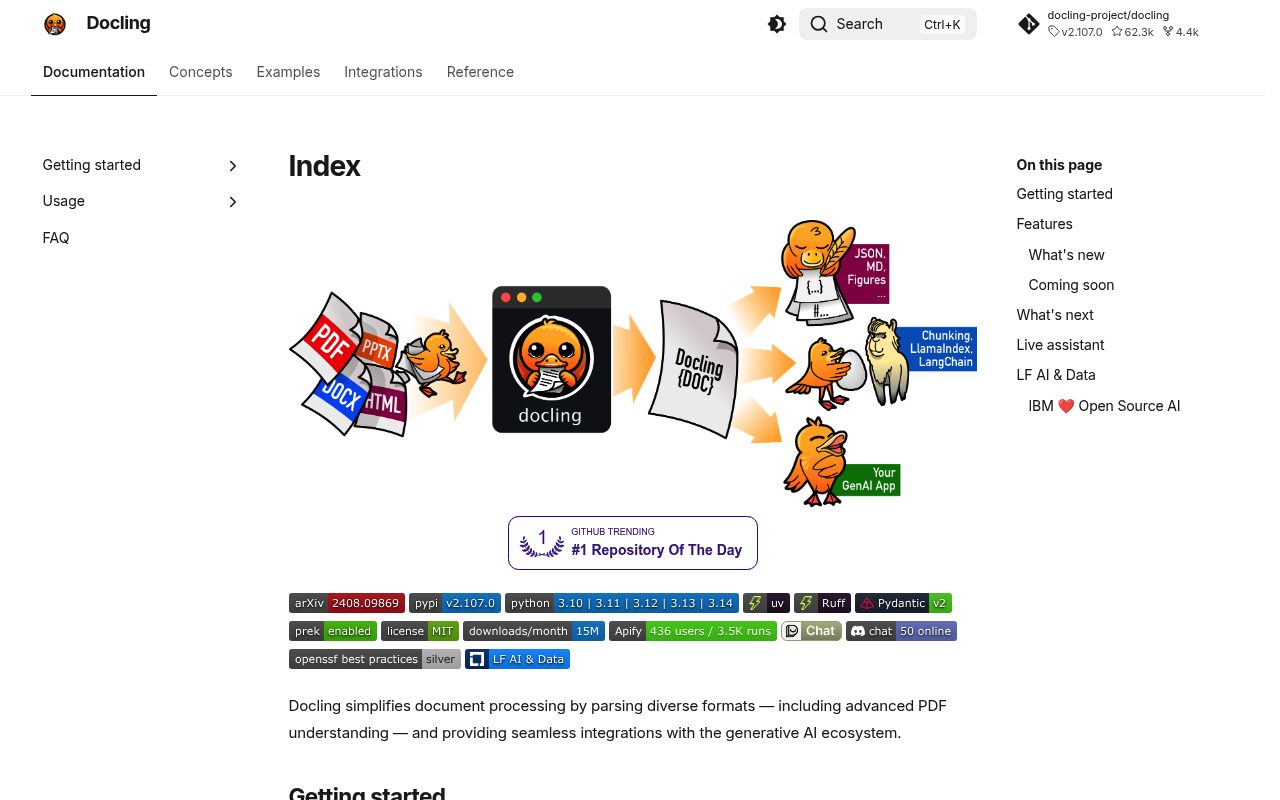
Docling helps teams turn PDFs, office documents, and images into clean structured data. It is built for GenAI and RAG workflows, with strong support for PDF layouts and tables.
Key Features:
- Document Conversion - Converts PDF, DOCX, PPTX, and image files into structured data
- PDF Layout Understanding - Extracts layouts and tables for cleaner document processing
- AI Pipeline Ready - Prepares document content for retrieval and generation workflows
Choose parsers and OCR options for your documents, and validate extracted reading order, tables, and text against representative inputs.
Web scraping workflow
How to use Docling in a web scraping pipeline
Docling parses supported documents into a structured representation and offers exports such as Markdown and JSON. It can turn documents discovered by a scraper into content suitable for downstream indexing or extraction.
A practical workflow
- A separate crawler downloads a PDF or other supported document and stores its source metadata and original bytes.
- Run the relevant Docling conversion pipeline, selecting the document-processing and OCR options appropriate to that input.
- Validate the resulting structure and export text or tables to a search, retrieval or analytical stage with links to the original capture.
When it fits
Use it when layout, reading order or table structure matters beyond obtaining a plain text blob. Review representative files before choosing an output format for the whole collected corpus.
Boundaries
Docling does not replace URL discovery, access controls or a browser fetcher. Available formats and quality depend on configuration, models and document characteristics. Apply resource limits to untrusted files and inspect conversion failures; a successful export is not a guarantee that every table or scanned field was interpreted correctly.
Quick verdict
Docling suits Python teams turning PDFs, Office files, and images into structured data for RAG and AI pipelines. It is a document parser, not a web crawler or scraping API.
- Best for
- PDF and Office to structured data
- RAG document ingestion
- Layout and table extraction
- Python AI pipelines
- Not ideal for
- Crawling or fetching web pages
- Hosted no-code extraction
- Non-Python stacks
- Last verified
- Jun 26, 2026
Key facts
Growing a website? Track its keywords, Google rankings, Search Console insights, and share of voice with bisibility. Free during beta.
Our productRepository
docling-project/docling
Stars
68.9KForks
5.1KLast commit
2026-10-14License
MITLanguage
Python
Metrics recorded 2026-10-16
Repository details
Last push: 2026-10-15
License source: Repository license file
Frequently asked questions
What is Docling used for?
Docling parses documents into a structured representation for conversion and downstream processing. It supports PDF layout and table processing, OCR and exports such as Markdown and JSON. The input format and selected pipeline determine the processing performed.
Sources (checked ): Docling project
How do I use Docling?
Install the docling package and create a DocumentConverter. Convert a supported local file or URL, then export the resulting document, for example with export_to_markdown. The project also provides a CLI; configure the pipeline for the input and output you need.
Sources (checked ): Docling project
Is Docling free?
Docling’s code is MIT licensed. Model artifacts have their own licenses, so check the models used by the selected pipeline. Infrastructure and any remote services you configure have separate costs.
Sources (checked ): Docling project
What formats are supported by Docling?
Docling supports inputs including PDF, DOCX, XLSX, PPTX, HTML and images, with additional formats documented separately. Available exports include Markdown, HTML and structured JSON. Some input types require extra packages or tools; use the format-specific requirements.
Sources (checked ): Docling supported formats
Is Docling LLM-based?
Not necessarily. Docling can convert documents without a generative LLM; DOCX and PPTX parsing do not require AI model weights. PDF conversion can use document-layout, table and OCR models, while VLM pipelines are optional.
Sources (checked ): Docling project; Docling model requirements
What are the key differences between Docling and Tika?
Docling emphasizes a structured document representation and conversion, including PDF layout and tables. Tika detects file types and extracts text and metadata through format parsers. Compare the structured output, metadata and document formats required by your pipeline.
Sources (checked ): Docling project; Apache Tika project
Sources
Verified against the docling-project/docling repository and the PyPI package.
Source notes
Compiled from public repository and package data; check the vendor's site for current details.