
n8n
n8n is a workflow automation platform that combines AI capabilities with business process automation, offering code flexibility with no-code speed.
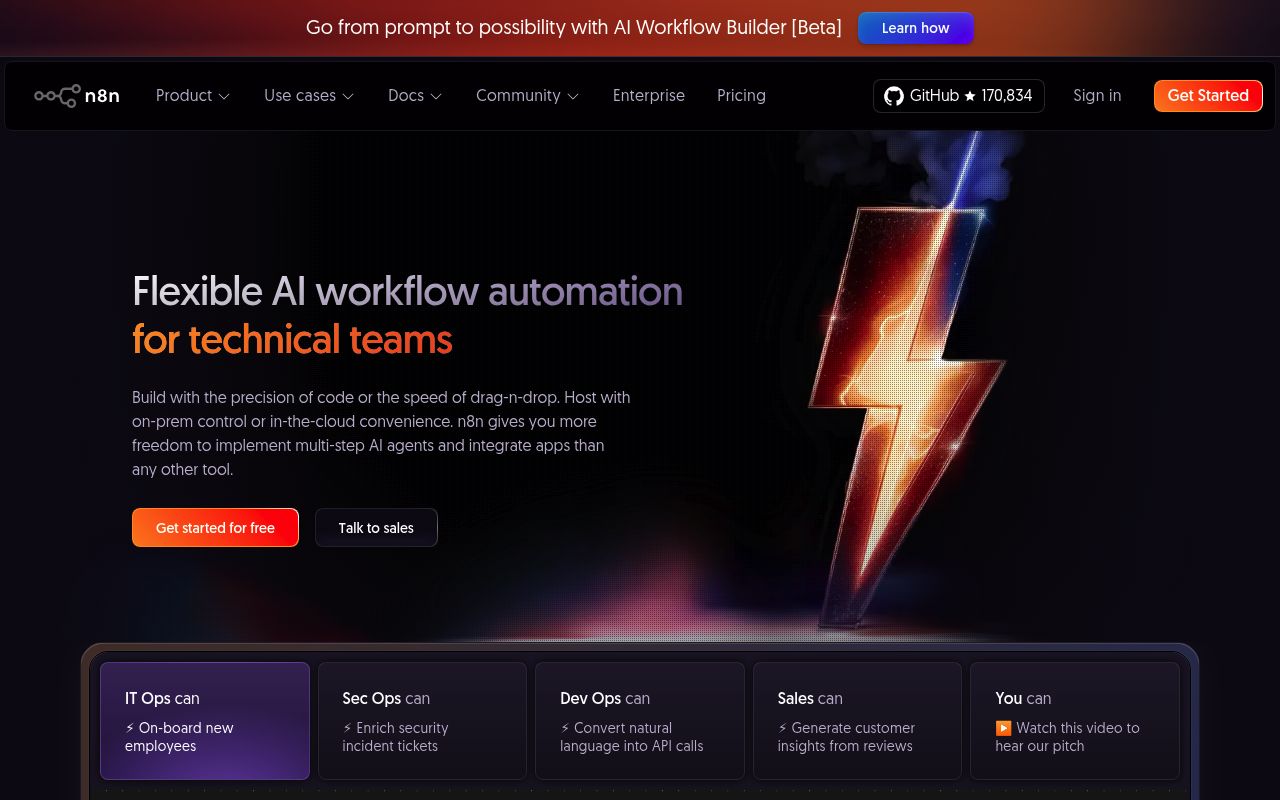
n8n is a versatile, powerful workflow automation platform that lets technical teams orchestrate complex data pipelines with precision. Trusted by enterprises like Cisco and Microsoft, n8n uniquely combines AI integration with business process automation.
Key Features:
- Code + No-Code - Write JavaScript or Python inline, or build visually with drag-and-drop
- Self-Hosted or Cloud - Deploy on-premises for full control or use managed cloud
- AI Agent Builder - Create multi-step AI agents that automate extraction and transformation
- Advanced Debugging - Re-run single steps, replay data, and debug with inline logs
Whether you're a data engineer, DevOps team, or scraping specialist, n8n provides the flexibility to orchestrate any workflow at scale.
Licensing: The source is available under the Sustainable Use License, with separate enterprise terms for enterprise code. It is not an OSI open-source license.
Web scraping workflow
How to use n8n in a web scraping pipeline
n8n can combine an HTTP Request node with HTML extraction and destination integrations. That supports straightforward server-rendered pages or a workflow that calls an external scraping service before processing its response.
A practical workflow
- Request an allowed page or scraping API endpoint using the HTTP Request node and configured credentials.
- Pass the returned HTML into the HTML node's extraction operation and select the fields needed for the record.
- Validate the fields, add the source URL and collection time, then send accepted items to your database or another workflow step.
When it fits
Use this for a small integration workflow where visual steps make the fetch, extraction and delivery path easy to inspect. An external browser service can supply rendered HTML when a plain HTTP response is insufficient.
Boundaries
Making an HTTP request is not the same as running a browser. The HTML node extracts supplied markup; it does not guarantee that client-rendered content exists in that markup. Configure pagination, pacing and error handling explicitly, and treat untrusted HTML carefully when producing templates or previews.
Quick verdict
n8n fits technical teams that want visual workflow automation with custom code when needed. It is not a purpose-built scraping or browser automation framework.
- Best for
- Visual workflow automation
- Scraping pipeline coordination
- Self-hosted automation stacks
- Custom JS or Python logic
- Not ideal for
- Browser automation testing
- Packaged scraping workflows
- License-sensitive procurement
- Last verified
- Jun 26, 2026
Key facts
Growing a website? Track its keywords, Google rankings, Search Console insights, and share of voice with bisibility. Free during beta.
Our productRepository
n8n-io/n8n
Stars
207.5KForks
61.1KLast commit
2026-10-15License
LicenseRef-Sustainable-Use-1.0 (non-enterprise source)Language
TypeScript
Metrics recorded 2026-10-16
Repository details
License source: Repository license file
Frequently asked questions
What exactly is n8n used for?
n8n connects services and processes data through workflows made of nodes. A trigger starts a workflow, and later nodes fetch, transform or send data. For example, a workflow can retrieve records from an API and send a notification.
Sources (checked ): n8n workflow introduction
Do I need to know coding to use n8n?
Many workflows can be built with visual nodes and configuration. Expressions and the Code node support custom logic when standard nodes are insufficient. Complex integrations still require understanding the data and APIs involved.
Sources (checked ): n8n workflow introduction; Code node
How do I start using n8n?
Start with a small workflow: add a trigger, connect a node that retrieves data, and add the action you want to perform. Test each node and inspect its inputs and outputs before publishing the workflow. The official first-workflow tutorial walks through that process.
Sources (checked ): n8n workflow introduction
Can n8n run Python code?
Yes. The Code node supports Python as well as JavaScript. The documented Python runtime, available modules and runner configuration depend on your deployment, so check those constraints before moving an existing Python script into a workflow.
Sources (checked ): Code node
Can I use n8n for free?
The self-hosted Community edition is free under the Sustainable Use License, which permits internal business, personal and non-commercial use with conditions. Hosting and connected services may cost extra. n8n Cloud has a trial and paid plans; some self-hosted features also require a paid edition.
Sources (checked ): n8n deployment and editions; Sustainable Use License
How much does n8n cost a month?
Paid plans are priced primarily by monthly workflow executions, with features and concurrency limits varying by plan. Compare the billing period, execution allowance and required features on the current rate card.
Sources (checked ): n8n pricing; n8n deployment and editions
What are the downsides of using n8n?
Self-hosting requires managing installation, updates and infrastructure. Community and paid editions have different feature sets, and the Sustainable Use License restricts some redistribution and service offerings. Cloud manages hosting but introduces plan and execution limits.
Sources (checked ): n8n deployment and editions; Sustainable Use License; n8n pricing
Is n8n the same as Power Automate?
Both products automate workflows, but they have different platforms and integrations. n8n uses visual nodes and offers Cloud or self-hosted deployments. Microsoft Power Automate provides cloud and desktop flows in Microsoft’s automation ecosystem. Compare the connectors and deployment model your workflow requires.
Sources (checked ): n8n deployment options; Power Automate flows
Sources
License classification checked against the project license on 2026-10-01; hosted plans and enterprise features have separate terms.
Source notes
License classification rechecked on 2026-10-01; historical popularity counts retain their original review date. Compiled from public repository, package, and project documentation data; check n8n's site for current details.