Selenium
Selenium is the original open-source browser automation framework for driving web browsers natively, supporting all major browsers and programming languages.
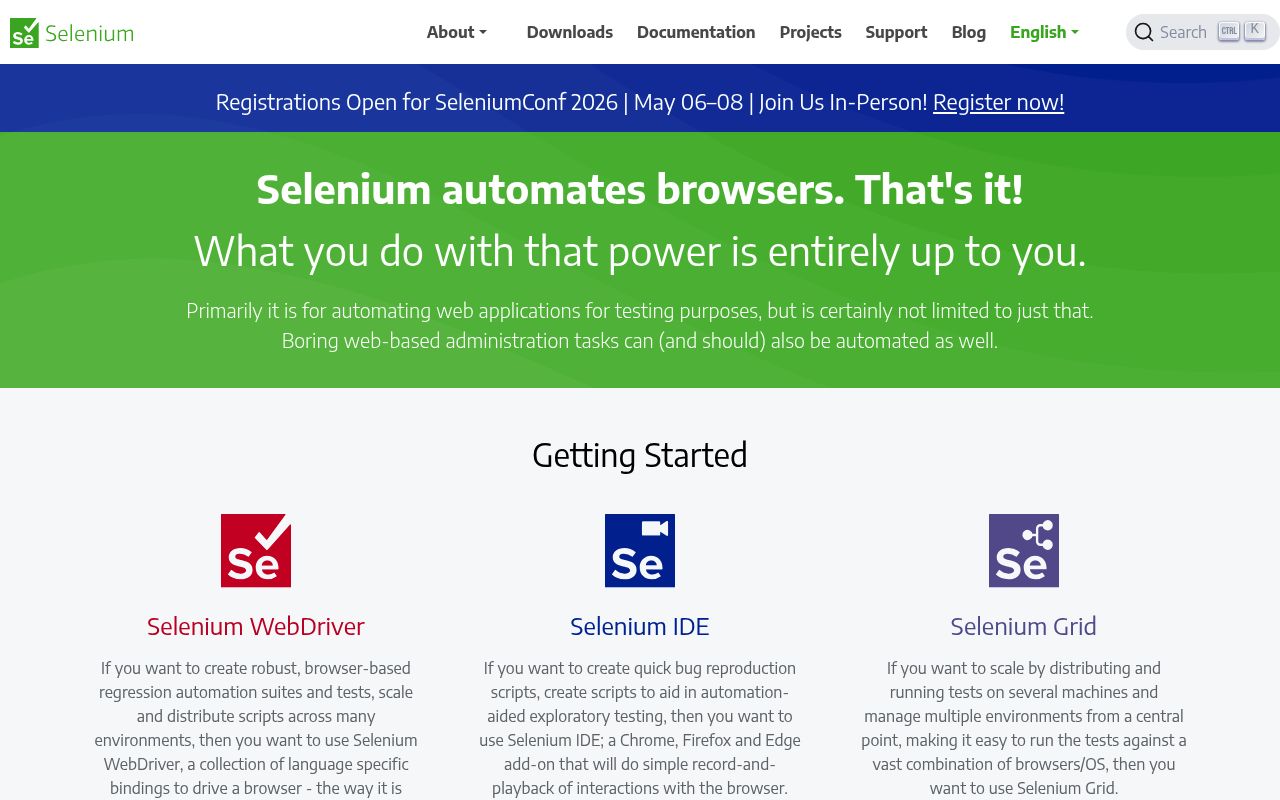
Selenium is a mature, comprehensive browser automation framework that drives browsers natively through WebDriver. It supports browser testing and automation through language bindings and browser drivers.
Key Features:
- WebDriver Protocol - Drive browsers natively as real users would, across all major browsers
- Multi-Language Bindings - Write automation in Python, Java, JavaScript, C#, Ruby, and more
- Selenium Grid - Distribute and scale tests across multiple machines and environments
- Selenium IDE - Record-and-playback browser interactions for quick script generation
- Vast Ecosystem - Extensive community, plugins, and integrations built over 20+ years
Whether you're scraping at scale, running regression tests, or automating browser workflows, Selenium provides a configurable foundation for browser automation.
Quick verdict
Selenium is for teams that need mature browser automation across major languages and real browsers. It is not a managed scraping API, so proxies, extraction, monitoring, and infrastructure are on you.
- Best for
- Real-browser automation
- Cross-language engineering teams
- Selenium Grid workloads
- Open-source WebDriver workflows
- Not ideal for
- Hosted no-code scraping
- Managed proxy operations
- Simple HTML parsing
- Last verified
- Jun 26, 2026
Key facts
- SDKsPython, JavaScript, Java, Ruby, and C# bindingsProject docs
Growing a website? Track its keywords, Google rankings, Search Console insights, and share of voice with bisibility. Free during beta.
Our productSource code
SeleniumHQ/selenium
Stars
34.6KForks
8.7KLast commit
2026-10-14License
Apache-2.0Language
Java
Metrics recorded 2026-10-16
Repository details
Last push: 2026-10-15
License source: Repository license file
Frequently asked questions
Can Selenium be used for browser automation?
Yes. Selenium WebDriver controls a browser through code, allowing scripts to open pages, interact with elements and check application behavior. It can run against a local browser or a remote browser through Selenium Server.
Sources (checked ): Selenium WebDriver
What are the limitations of Selenium?
Selenium automates browser interactions, so a test suite still needs suitable locators, synchronization and test design. Its documentation discourages using browser automation for performance testing and CAPTCHA automation. Browser compatibility and remote execution also depend on the browsers and infrastructure you configure.
Sources (checked ): Selenium waiting strategies; Performance testing guidance; CAPTCHA guidance
Which is better, Playwright or Selenium?
The choice depends on your browser requirements and existing tooling. Selenium supports WebDriver-based automation and Selenium Grid for remote, parallel execution. Playwright provides a unified API for Chromium, Firefox and WebKit. Playwright Test is its Node.js test runner, with built-in assertions, isolation and parallel execution. Compare those features with your project’s needs before choosing.
Sources (checked ): Selenium Grid; Playwright Test
Similar to Selenium

Sources
Verified against the SeleniumHQ/selenium repository and the PyPI package.
Source notes
Compiled from public repository and package data; check Selenium's site for current details.